This is the method I use to borrow a license on a mobile computer for use when not on-network and the ability to reach the licensing server fails.


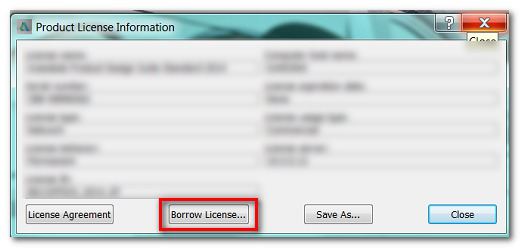

To Borrow a Network License from Command Line
- Launch a Terminal window.
- Execute the following command:
lmutil lmborrow adskflex enddate [time]
enddate is the date you will return the license, formatted as follows: dd-mmm-yyyy.
time argument is optional, but is specified in 24-hour format (hh:mm).
For example:lmutil lmborrow adskflex 14-oct-2012 [14:00]
borrows a license until October 14, 2012 at 2:00 PM. - Start AutoCAD for Mac.
- This borrows a license from the server.